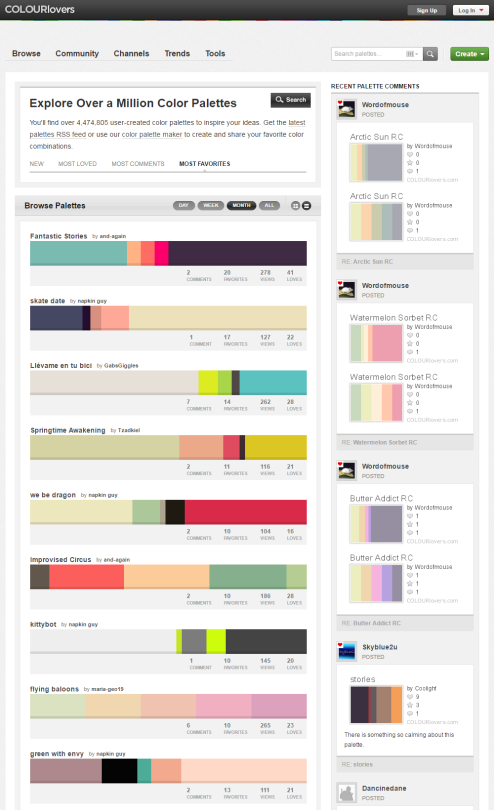
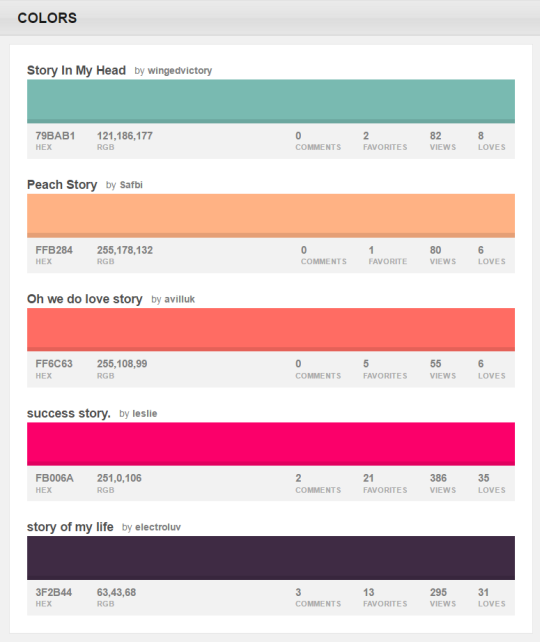
You can browse the most popular ones or search for certain colors, themes, and even specific hex codes!
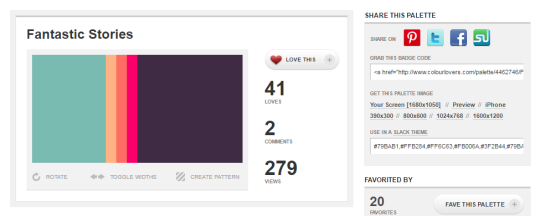
When you find one you like, you can download a wallpaper swatch of it and also select the specific colors it uses to look at more palettes that use those same ones.
I realise that this is the shittiest tutorial in the world, but I hope it makes sense at least. I mean my coloring is pretty crappy to begin with, so it’s not such a complicated prossess as just a repetitive one.
But I hope it’s at least helpful to someone ^^ Feel free to ask me questions if you’ve got ‘em.
The tutorial of how I achieve watercolor effect in Sai! 🙂 I highly recommend using real watercolor paintings (your own or ones found on the internet) as reference.
And here you can find a few useful links:
You can download the Sai file of this picture here:link
ever wondered how to put pattern effects on stuff? this is how i do them. 😛 (using paint tool SAI)
*other colors will change the color of your shape. tip: brownish patterns will give your shape an antique/vintage/old effect. orz i fail at explaining haha
lol i love the overlay effect! 😀 i hope this helped! :3





 test
test 